
Download 3D Spooky Halloween Screensaver – Free, Secure Windows Screensaver for Halloween
Overview
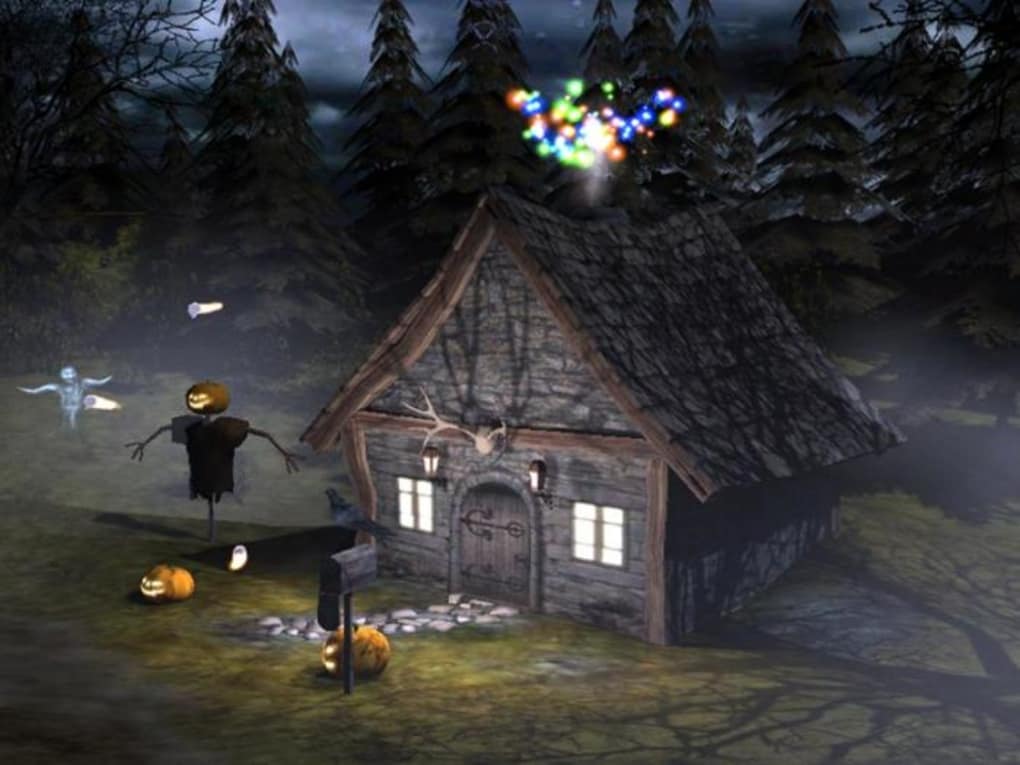
The 3D Spooky Halloween Screensaver is a trial‑version desktop customization program created by Playrix Entertainment. Designed exclusively for Windows 95 and earlier versions, this lightweight screensaver adds a seasonal, spooky atmosphere to any PC during the Halloween period. With its 3‑dimensional haunted house, floating pumpkins, and eerie fog effects, the screensaver brings a festive touch without consuming much disk space or system resources. The current version 1.0 was last updated on 9 June 2006 and remains a popular download in the United States, United Kingdom, and Brazil, where users appreciate its simple installation, free availability, and safe, ad‑free experience. Whether you’re looking to personalize a legacy workstation or want a nostalgic Halloween vibe, this tool offers a reliable and secure way to enhance your desktop during the holiday season.
Key Features and What Makes It Stand Out
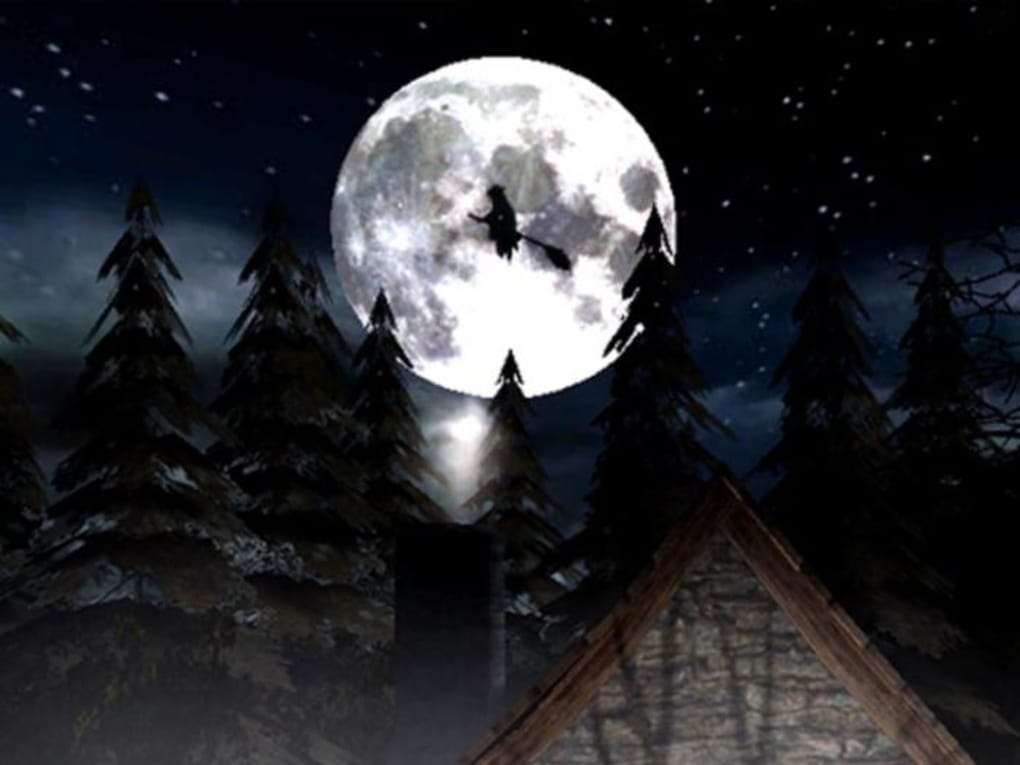
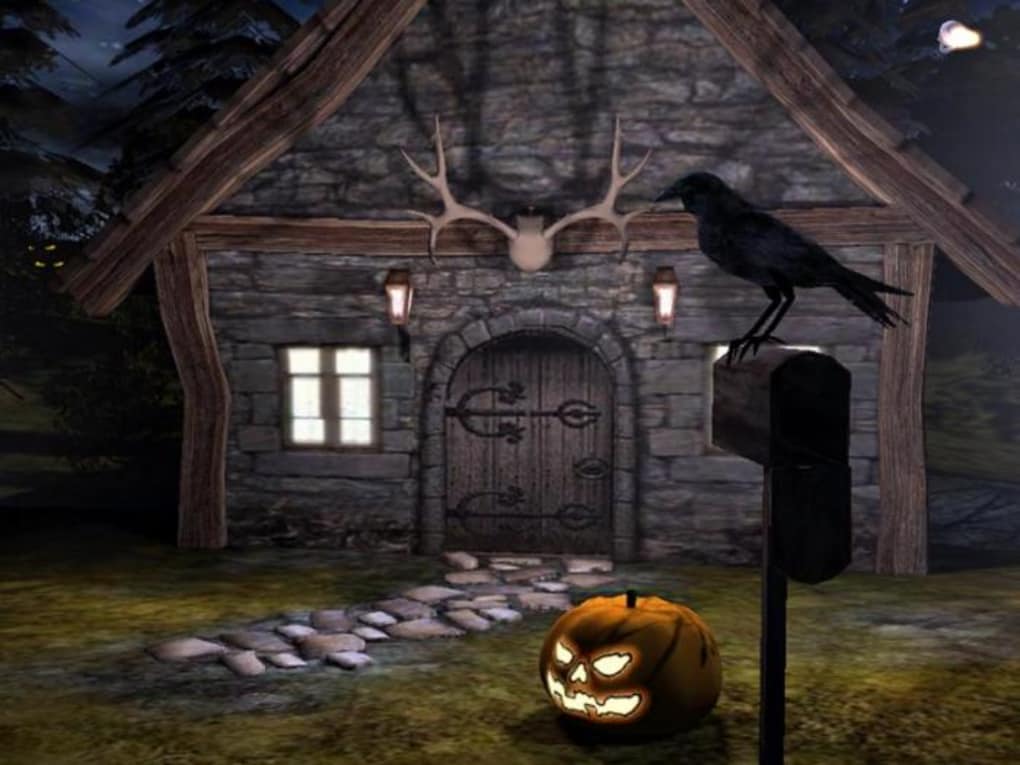
- 3‑Dimensional Haunted Scene: Real‑time rendering of a spooky mansion, moving ghosts, and animated pumpkins.
- Low System Footprint: Takes up less space than most desktop‑customization software, ideal for older PCs.
- Easy Activation: Seamlessly integrates with Windows’ native screensaver settings; no additional configuration required.
- Seasonal Audio Options: Optional background soundtrack featuring classic Halloween tunes (muteable).
- Free Trial Version: Fully functional for personal use without hidden fees or trial expirations.
- English Language Support: All menus and prompts are in clear English, making it accessible for a global audience.
- Secure Download: Hosted on reputable sites, free from malware or adware.
The design philosophy behind this screensaver focuses on delivering a vivid, festive experience while respecting the limited capabilities of legacy Windows operating systems. Because it runs directly as a native screensaver, you won’t need additional runtimes or plug‑ins, and the visual effects are optimized for CPUs that were common in the late‑1990s. The inclusion of optional audio adds an immersive layer, yet the sound can be turned off for quieter office environments. Users also appreciate the ability to set custom idle times and power‑saving options, ensuring the screensaver respects your system’s energy settings.
Installation, Usage Instructions, and Compatibility
Step‑by‑Step Installation Guide
- Download the 3D Spooky Halloween Screensaver installer from a trusted source.
- Locate the downloaded
.exefile and double‑click to launch the installer. - Follow the on‑screen prompts: accept the license agreement, choose the destination folder (default is
C:\Program Files\3D Spooky Halloween Screensaver), and click Install. - Once installation completes, click Finish. The program automatically registers itself as a Windows screensaver.
- Open the Windows Control Panel → Display → Screen Saver and select “3D Spooky Halloween Screensaver” from the drop‑down list.
- Adjust idle time, preview the animation, and enable or disable sound according to your preference.
Using the Screensaver Effectively
After activation, the screensaver will launch automatically when your PC remains idle for the configured period. You can manually start it at any time by pressing Windows+L (lock screen) or by selecting Preview in the Screen Saver settings. To stop the animation, simply move the mouse or press any key. The screensaver respects your power‑saving settings, so if your monitor enters sleep mode, the animation will pause and resume when the display turns back on.
Operating System Compatibility
This application is built specifically for Windows 95, Windows 98, Windows ME, and Windows 2000. It does not support modern Windows 10/11 environments, but can still run under compatibility mode if needed. Because it avoids reliance on newer APIs, it remains stable on older hardware, making it a perfect fit for legacy office computers or vintage gaming rigs.
Pros, Cons, Frequently Asked Questions, and Final Thoughts
Pros and Cons
- Pros:
- Free and completely ad‑free.
- Low memory and CPU usage – ideal for older machines.
- Easy installation with native Windows integration.
- Seasonal atmosphere enhances desktop during Halloween.
- Secure download from reputable sources.
- Cons:
- Limited to Windows 95‑2000; not compatible with modern Windows versions without workarounds.
- No customization beyond the preset scene and audio.
- Trial version offers no upgrade path to a full‑featured version.
Frequently Asked Questions
-
Is the 3D Spooky Halloween Screensaver safe to download?
Yes. The installer is hosted on reputable download sites and is free from malware, adware, or spyware. Always verify the source before downloading.
-
Can I use the screensaver on Windows 10 or 11?
The program was built for Windows 95‑2000 and does not officially support Windows 10/11. However, you can try running it in Compatibility Mode (right‑click the exe → Properties → Compatibility). Results may vary.
-
Does the screensaver consume a lot of system resources?
No. It is designed to be lightweight, using minimal CPU and RAM, which makes it suitable for older hardware.
-
Can I change the background music?
The trial version includes a built‑in Halloween track that can be muted via the screensaver settings. Custom audio is not supported.
-
Is there a full‑featured version available?
Playrix Entertainment released only the trial version for this particular screensaver. No paid upgrade exists.
Conclusion and Call to Action
If you own a legacy Windows machine and want a quick, festive makeover for the Halloween season, the 3D Spooky Halloween Screensaver delivers exactly what it promises: a free, secure, and visually appealing screensaver that runs smoothly on older hardware. While it lacks modern compatibility and deep customization, its low‑impact design and spooky 3‑D graphics make it a worthy addition to any nostalgic desktop setup. Download the trial today, follow the simple installation steps, and let the haunted house animate your idle moments. Embrace the Halloween spirit without sacrificing performance—press the download button now and give your PC a spooky makeover!







